All games
21 games
 Featured
Set up the table, then press Play. Tap a corner to switch it between empty, a player and the computer, or use the labelled buttons next to the board: number of players, you vs the computer or friends on this phone, and the computer level. The other buttons turn the rules on and off. To play friends on their own phones, tap Play with friends online. Tap the die to roll, then tap a token with an arrow over it. A 6 brings a token out, and star squares are safe. You have 20 seconds a turn.
Ludo
Classic
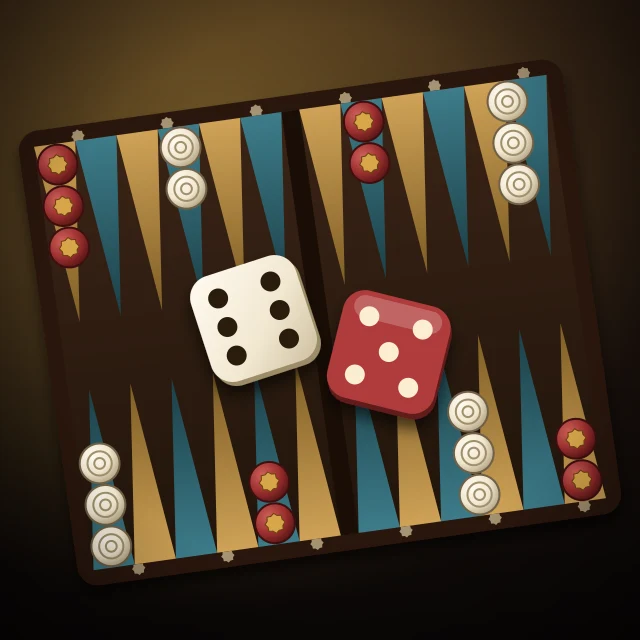
First pick who plays, the computer level, the points to win the match and whether moves with no choice play themselves, then tap Play. Tap to roll. Tap a checker, then a green point; tap a checker twice for the quick move. The green tick button ends your turn and the arrow undoes.
Backgammon
Classic
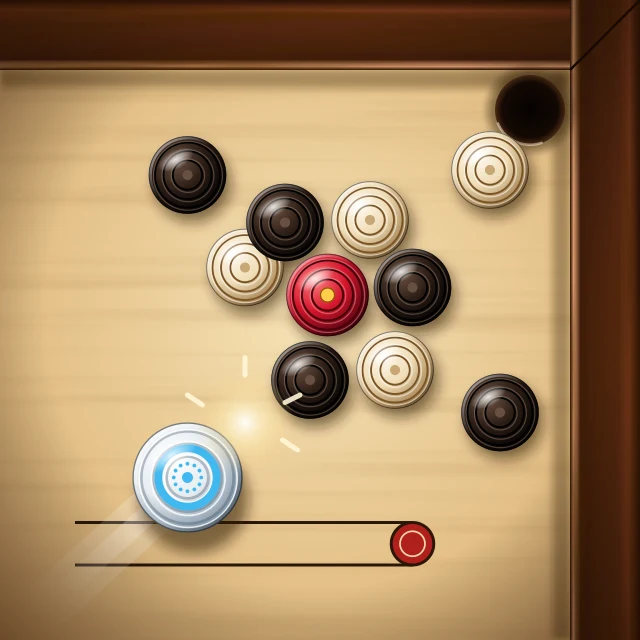
Pick Easy, Normal or Hard to play the computer, With friends to share one phone, or Practice. With friends: choose 2 players or 4 in teams, set each player to Person or Computer, pick the computer level, then tap Play. Slide the striker along your line, then pull back from it and let go. Sink all your discs. Pocket the red queen too, then sink one of yours on the next shot to keep her.
Carrom
Classic
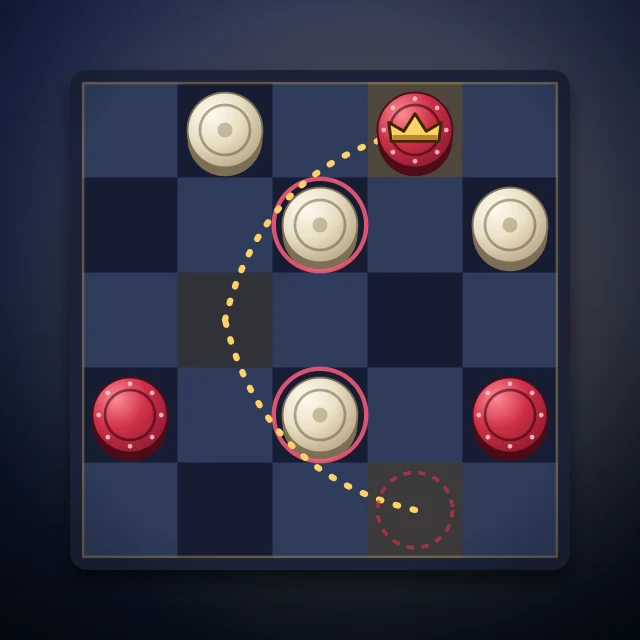
Pick who plays, your colour, the board (English 8×8 or International 10×10) and the computer level, then tap Play; Puzzles opens the puzzle sets. Tap a piece, then its square. Glowing pieces must capture. A game with a friend on the same phone scores no points.
Checkers
Classic
Pick who plays, your colour and the computer level, then tap Play; Puzzles opens 40 checkmate puzzles (“Mate in 2” means checkmate within two of your moves). Tap or drag a piece to move. Wins and solved puzzles score points; each loss to the computer costs one of three hearts. Two players on one phone score no points, and in play the button with two hands turns the black pieces to face the player opposite. Finish ends the session.
Chess
Classic
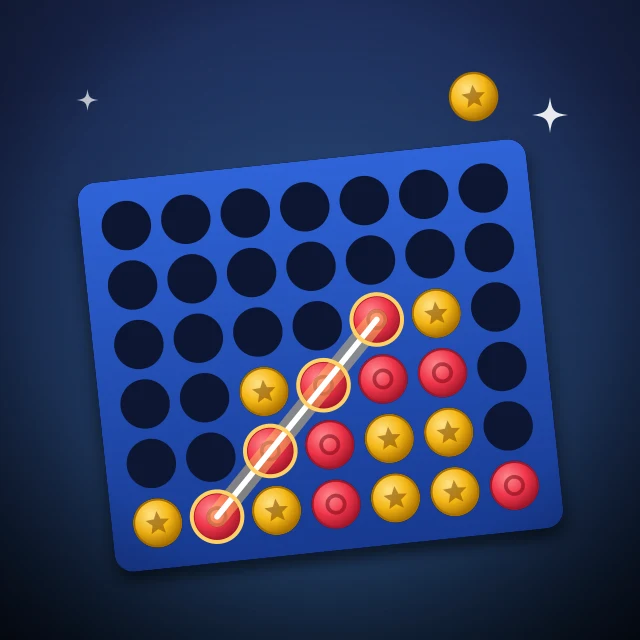
Before you play, pick who plays (you vs computer, or two players on this phone), your colour, the board, the computer level and who goes first, then tap Play. Tap a column, or drag the disc and let go. In pop-out, the arrows under the board pop your own bottom disc. The bulb shows a good move (3 per game). Two players on one phone score no points.
Four in a Row
Classic
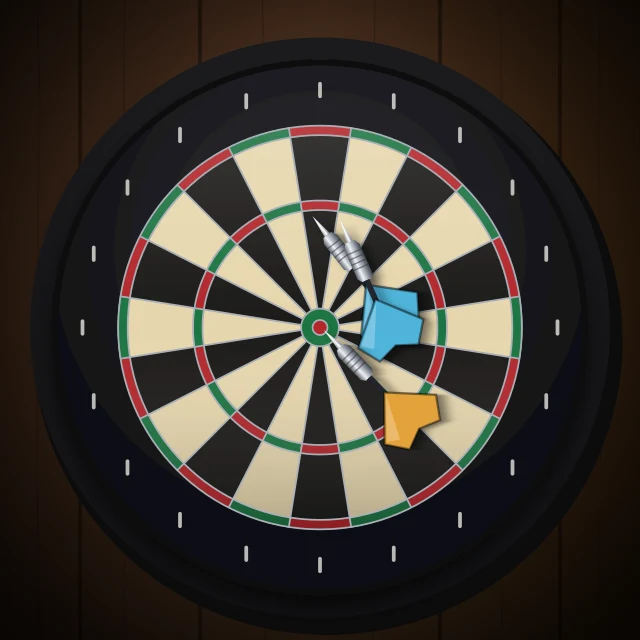
Drag slowly to aim, then flick up to throw. A steady medium flick flies true; too soft drops, too hard climbs. Pick a game on the first screen; each card says its rule. Then choose 2, 3 or 4 players, set each player to Person or Computer, pick the computer level and tap Play.
Darts
Classic
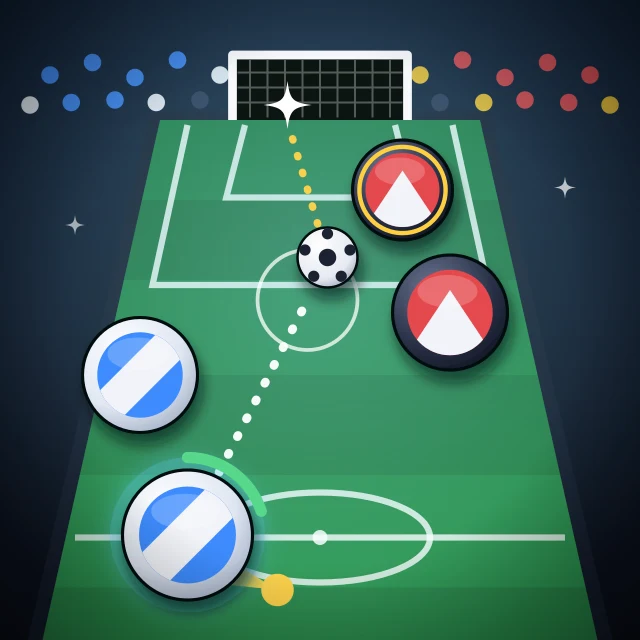
On your turn drag back from one of your discs to aim and set the power, then let go. First to three goals wins. Five league defeats in a season end the career. Spend stars in Squad and Tactics; Friendly match and Cup with friends are for one phone. Keys: Tab picks a disc, arrows aim, space flicks
Disc League
Classic
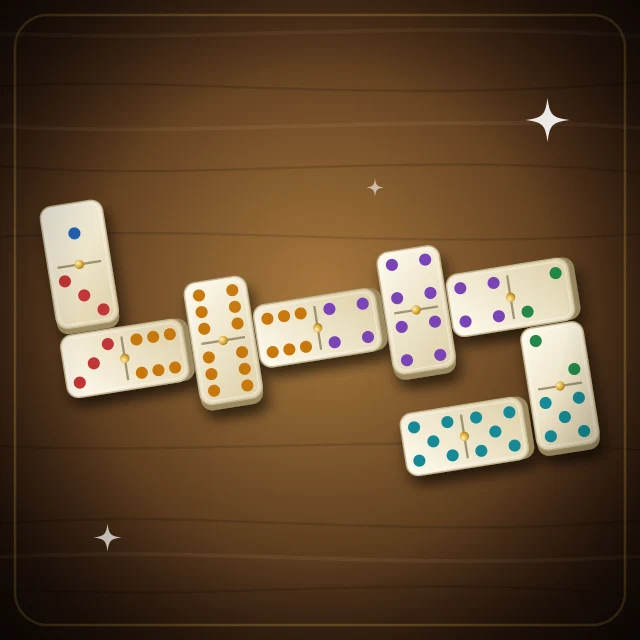
Tap a raised tile, then a glowing end, or drag it there. No tile fits? Tap the pile to draw. Empty your hand first to take the others’ pips; reach the flag number to win the table. For friends, tap “Friends on this phone” at the top before your first tile, pick 2-4 players, the computer players and the game, then Play; each player then taps their colour to see their tiles
Dominoes
Classic
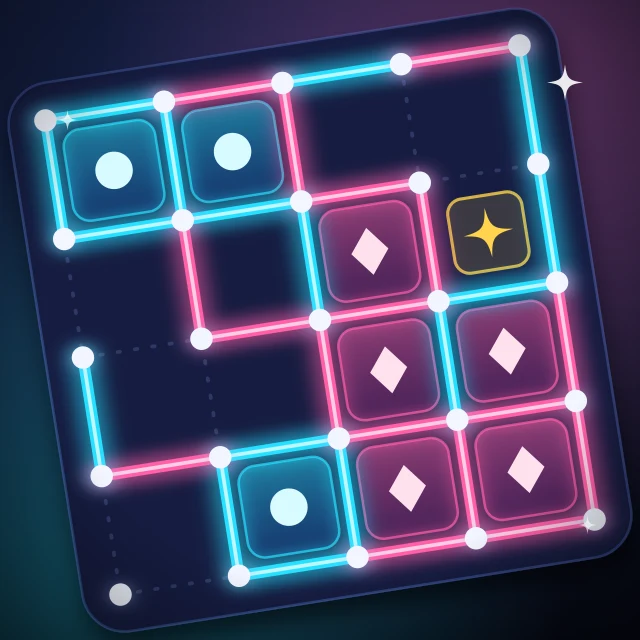
Tap between two dots, or drag from dot to dot, to draw a line. The fourth side of a box makes it yours and you draw again. More boxes wins the board; the third lost board ends the session. To play with friends, tap “Change players” before the first line: pick 2-4 players, the computer players and the board size, then Play.
Dots and Boxes
Classic
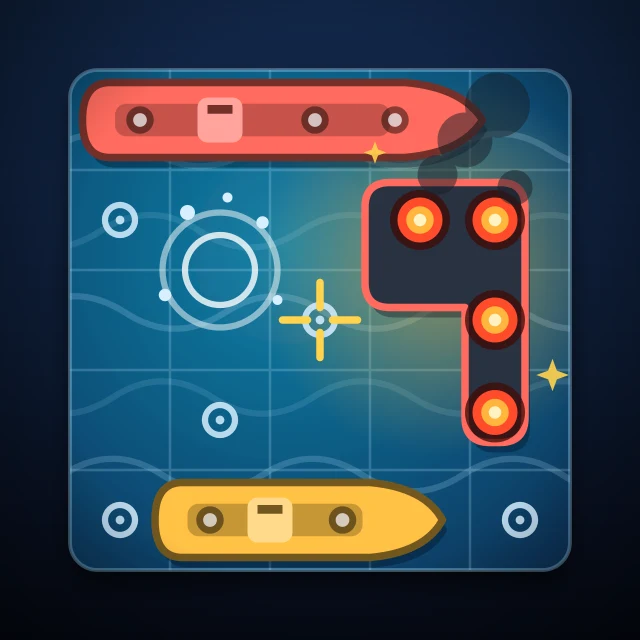
Drag your ships into place, tap one to turn it, then press Start. Tap a cell on the enemy sea to fire: a glowing mark is a hit, a ring is a miss. Sink the whole fleet before yours goes down. Before you start, “Players” sets you vs computer or two players on this phone, and the starting level; with two players each taps the pad in their colour to see their sea (no points)
Fleet Hunt
Classic
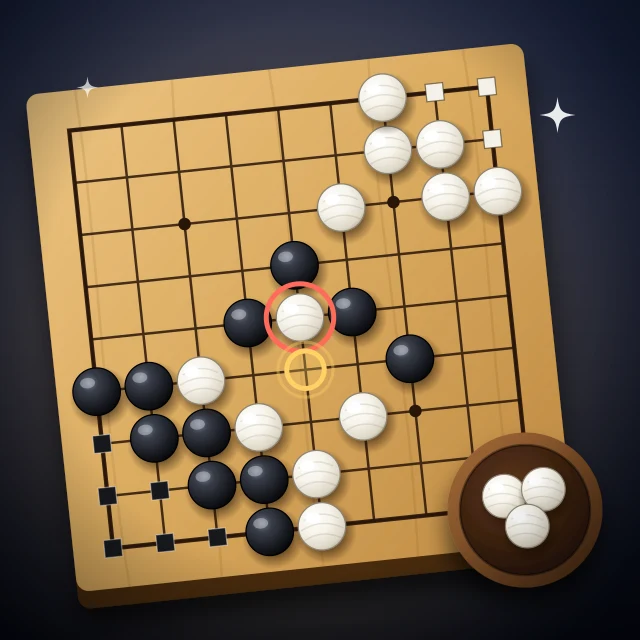
Tap a point to place a stone; on a small board the first tap shows it and a second tap or the tick places it. Stones left with no free point beside them are captured. The arrow over the dotted ring passes; two passes in a row end the game and the board is counted. During the count, tap a group to change it between dead and alive, then the tick accepts. Start with the numbered puzzles, then pick an opponent on the ladder. For a free game tap “Choose and play”: pick who plays, your colour, the board, the computer level and Black’s head start; a game between two players scores no points
Go Stones
Classic

Drag on the course to place the target; the caddie picks the club and marks the power. Tap Swing, tap again at the gold mark for power, then once more in the green zone to hit it straight. Tap the club name to pick another. On the green, pull back and let go. To play with friends on one phone, tap Friends. Keys: arrows aim, A and D change club, W flight, Q and E spin, space swings
Golf Tour
Classic
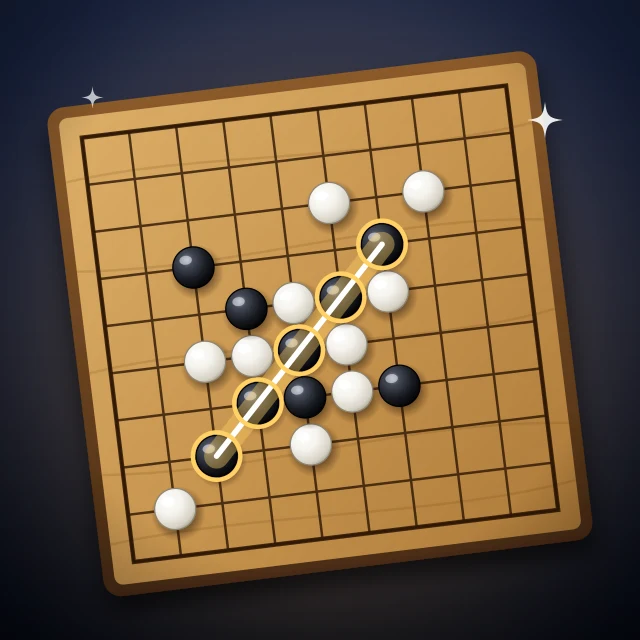
Tap a point to place a stone. On a small screen the first tap shows the stone, and a second tap or the tick places it. Five or more in a row wins. Before your first stone, “Players & level” sets who plays (you vs computer, or two players on this phone), your colour and the starting level; the arrows beside the level number change it too.
Gomoku
Classic
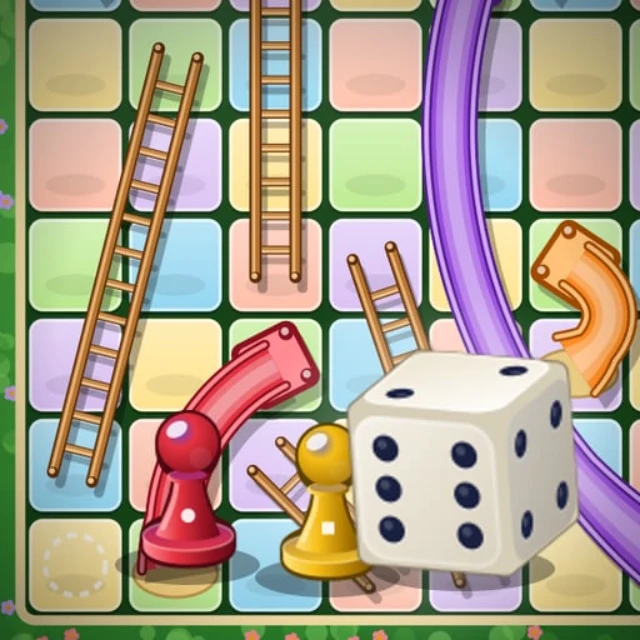
Set up the table, then press Play. Tap a corner of the board to switch it between empty, a player and the computer, or use the labelled buttons: number of players, you vs the computer or friends on this phone, and the board. The buttons under the board turn the rules on and off. Tap the die to roll: your token moves by itself. A ladder takes you up, a slide takes you down. The first to reach square 100 wins. You have 15 seconds a turn.
Ladders & Slides
Classic
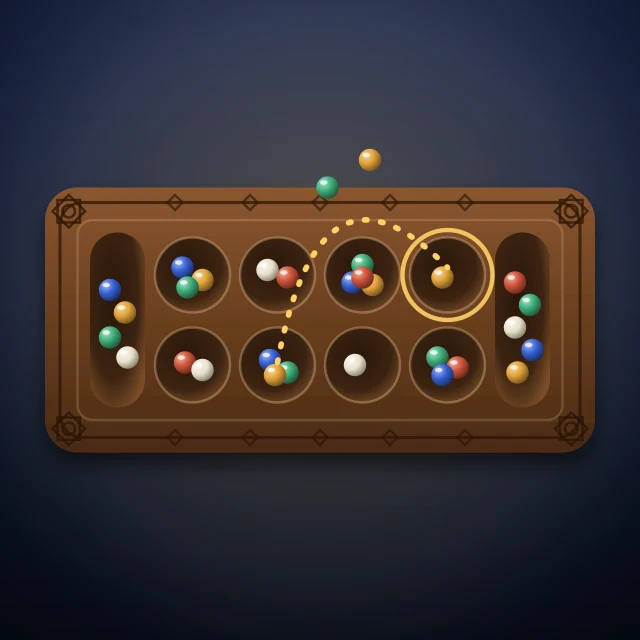
Pick who plays, who goes first, the rules (Kalah or Oware) and the computer level, then tap Play. Tap one of your pits to sow its seeds; the side with more seeds at the end wins. Two players on one phone score no points.
Mancala
Classic
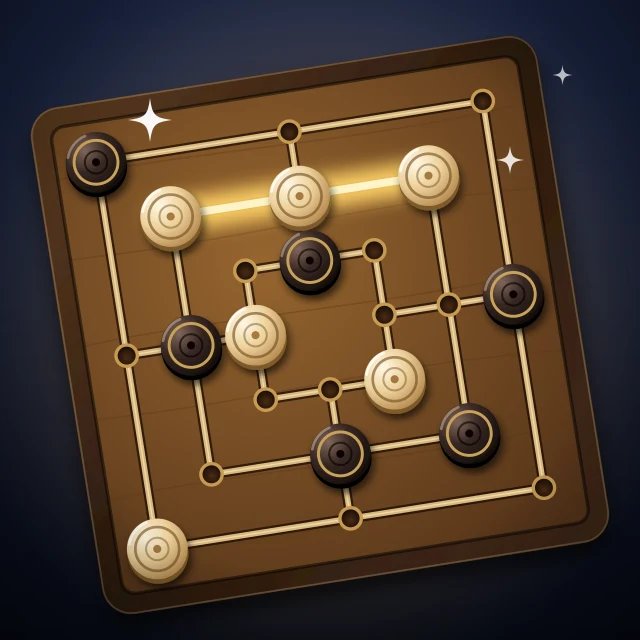
Tap a point to place a piece. Then tap or drag a piece to slide it one step; with three left it jumps anywhere. Three in a line takes a piece. Each loss costs one of three hearts. Before the first move, “Players & level” sets who plays (you vs computer, or two players on this phone), your colour and the starting level; the switch beside each row of pieces also changes who sits there. A game between friends scores no points.
Mill
Classic
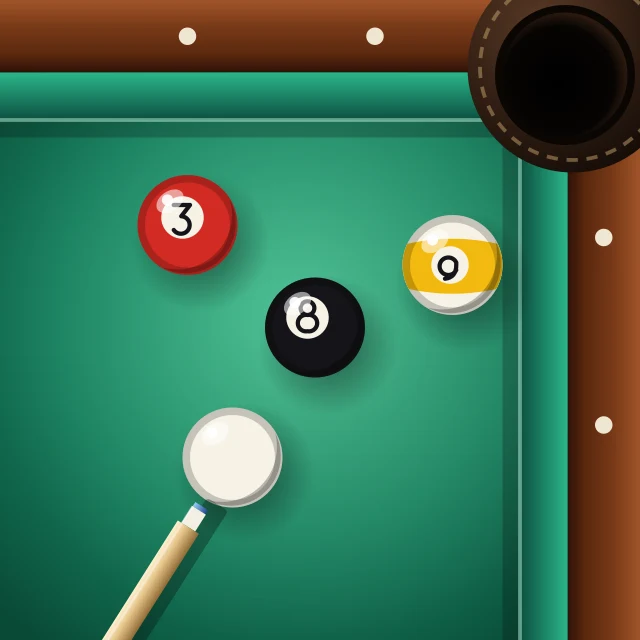
Pick You vs computer or Two players on this phone. Against the computer, choose who goes first (breaks) and the computer level, then tap Play. Trick shots: pot every ringed ball in one shot. Drag the table to aim and use Fine aim for small turns. Set Spin on the white ball, then pull the power bar back and let go. Each shot has a 40-second clock.
8-Ball Pool
Classic
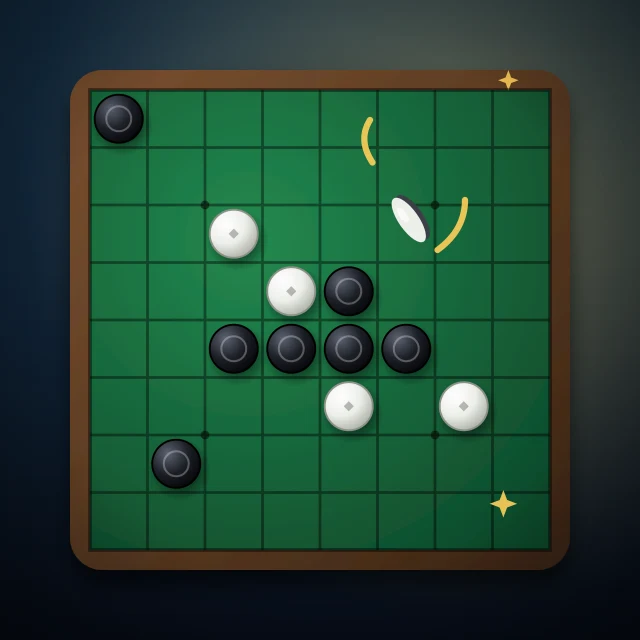
Pick who plays, your colour and the computer level, then tap Play; Challenges opens 20 puzzles and Board colour changes the board. Place a disc so it traps a line of the other colour between your discs; the trapped discs flip to yours. Corners can never be taken back. Most discs at the end wins. Two players on one phone score no points; in play, the button with two hands is for sitting opposite each other.
Reversi
Classic
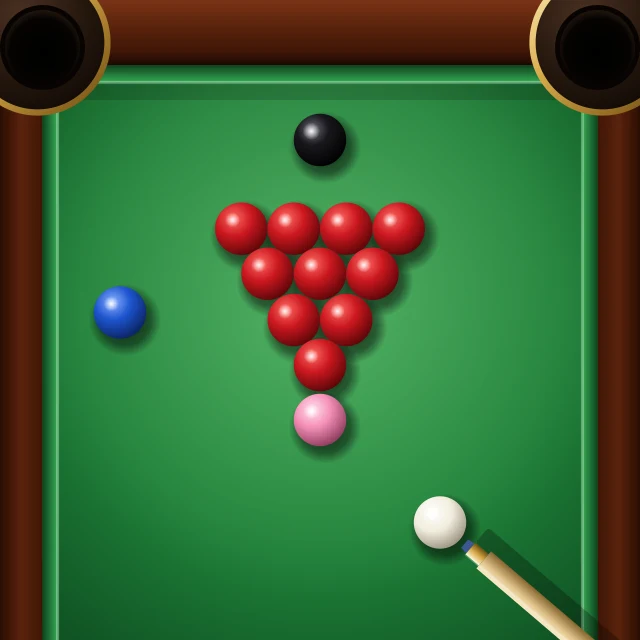
Pick You vs computer and a level, or Two players on this phone, and how many frames, then tap Play. Practice has three drills with stars. Place the white in the D, drag the table to aim and use Fine aim for small turns. Set Spin on the white, then pull the power bar back and let go. Pot a red, then any colour, then a red again; once the reds are gone, pot the colours from yellow to black. Hitting the wrong ball first, potting the white or a ball that is not on is a foul: 4 to 7 points to the other player.
Snooker
Classic
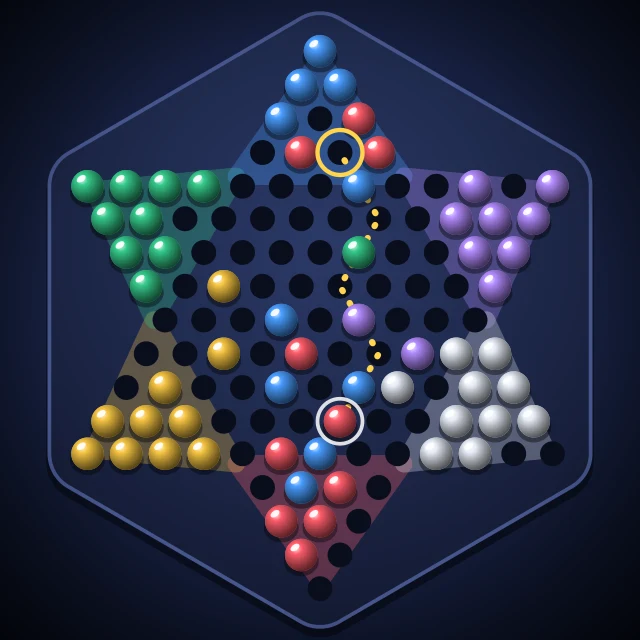
Tap a marble, then a glowing hole. Hop over marbles in chains and fill the opposite point first. On the first card pick the players, tap a corner to seat you, a computer or nobody, then press play
Star Hop
Classic